
When generating the Financial Statements and Disclosure reports, you can filter them by Asset Class to see financial data relating to your selected asset. To do this, first you'll need to set up your Asset Classes in your Organisation, then apply them to each of your Agreements.
Creating Asset Classes
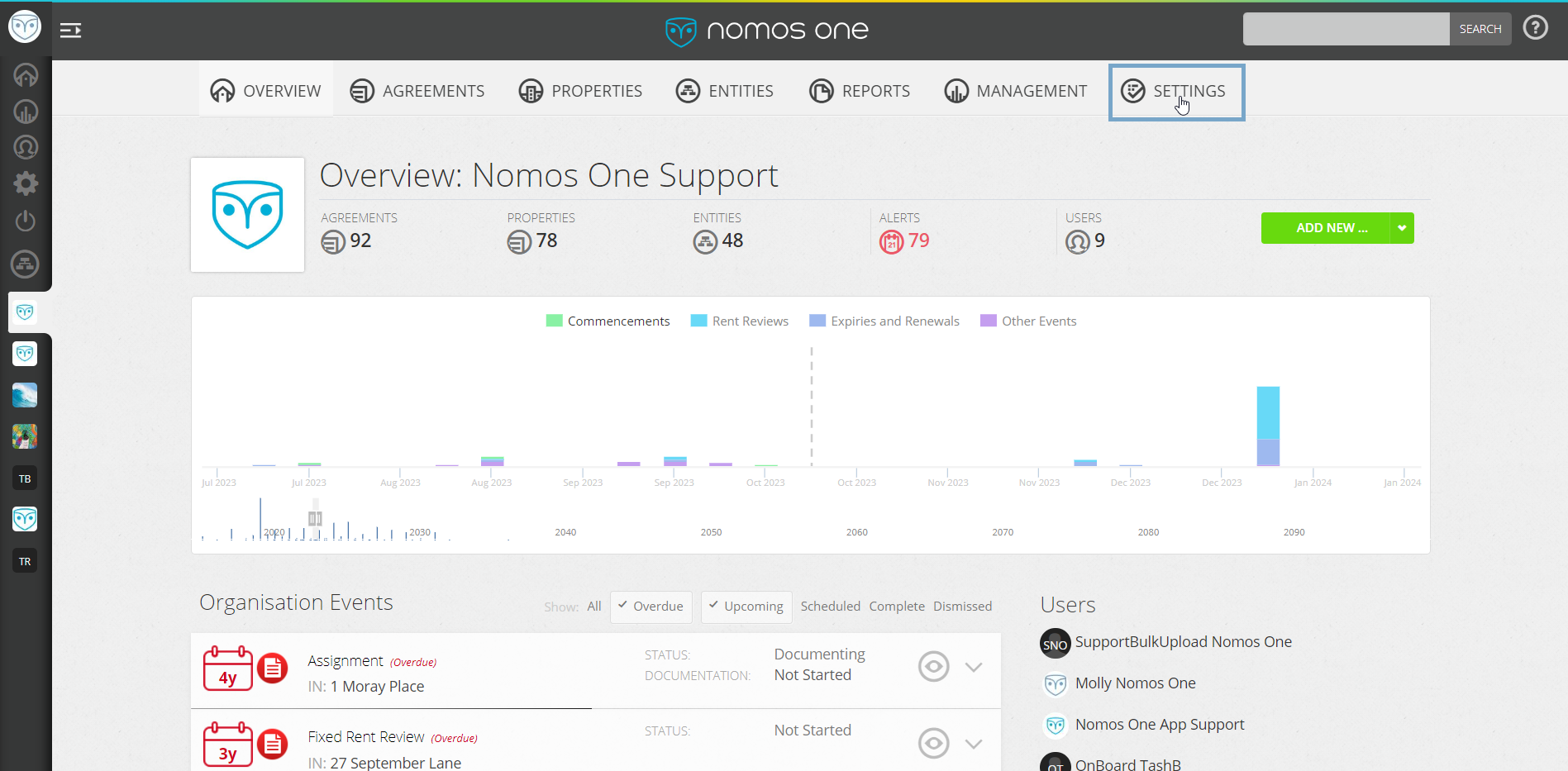
- Navigate to the “Settings” tab.
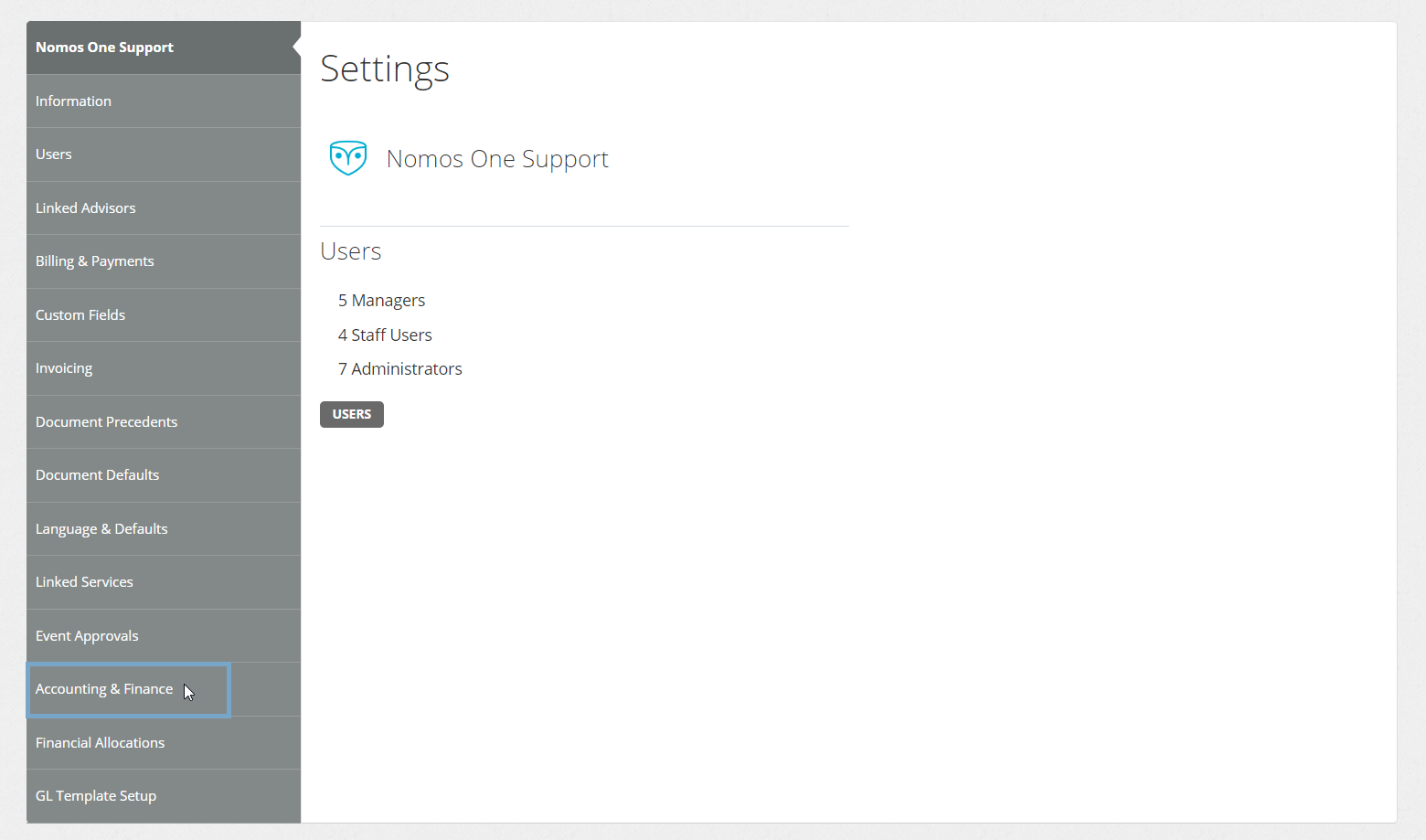
- Select the “Accounting & Finance” tab.
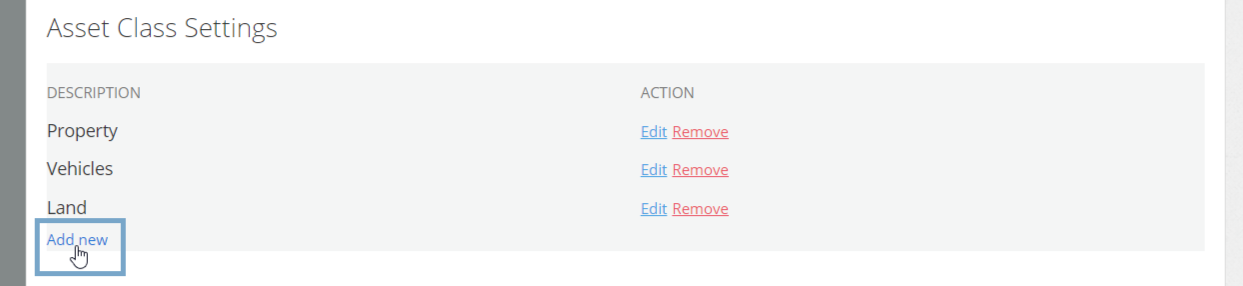
- Scroll to the Asset Class Settings section and click “Add new”.
- In the text field, name your Asset Class before clicking “Add”.

You have now added an Asset Class.
Applying Asset Classes to your Agreements
To apply an Asset Class to your Agreement:
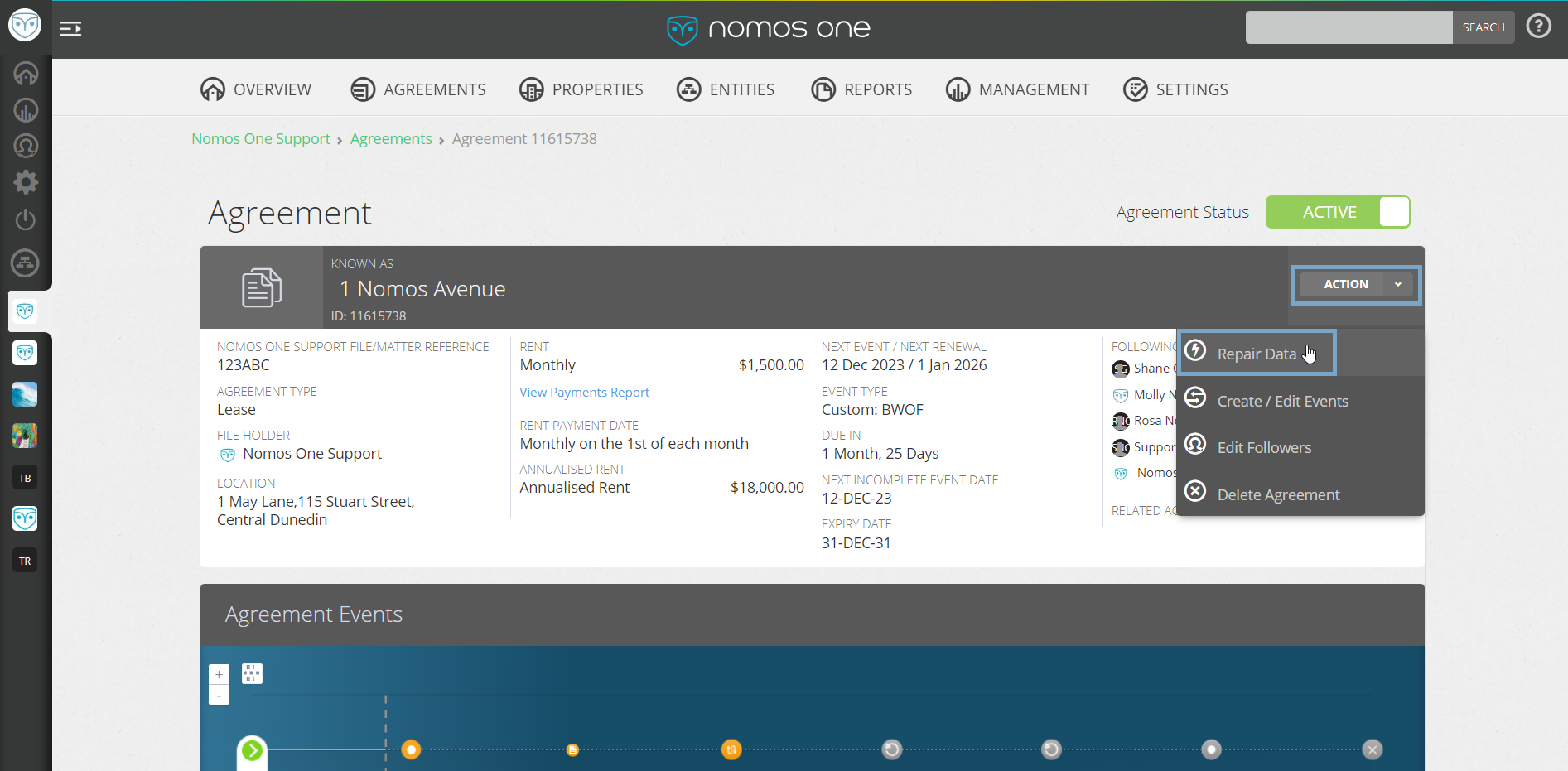
- Select “Action”, then “Repair Data”.
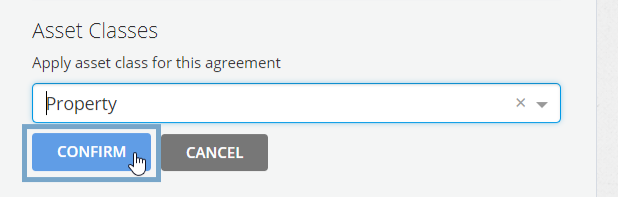
- On the Settings page, scroll down to where it says “Asset Classes”.

- Click “Apply asset class”. Using the drop down, select the Asset Class you'd like to apply to your Agreement.

- Click “Confirm” to save your selection.
Now when your run your Reports, you will be able to filter by Asset Class.
Nomos One does not provide or purport to provide any accounting, financial, tax, legal or any professional advice, nor does Nomos One purport to offer a financial product or service. Nomos One is not responsible or liable for any claim, loss, damage, costs or expenses resulting from your use of or reliance on these resource materials. It is your responsibility to obtain accounting, financial, legal and taxation advice to ensure your use of the Nomos One system meets your individual requirements.